Key takeaways
Last-minute cancellations leave gaps in your schedule that are hard to fill without a system already in place.
Waitlist software automatically notifies interested clients when an appointment slot opens, so you don't have to reach out manually.
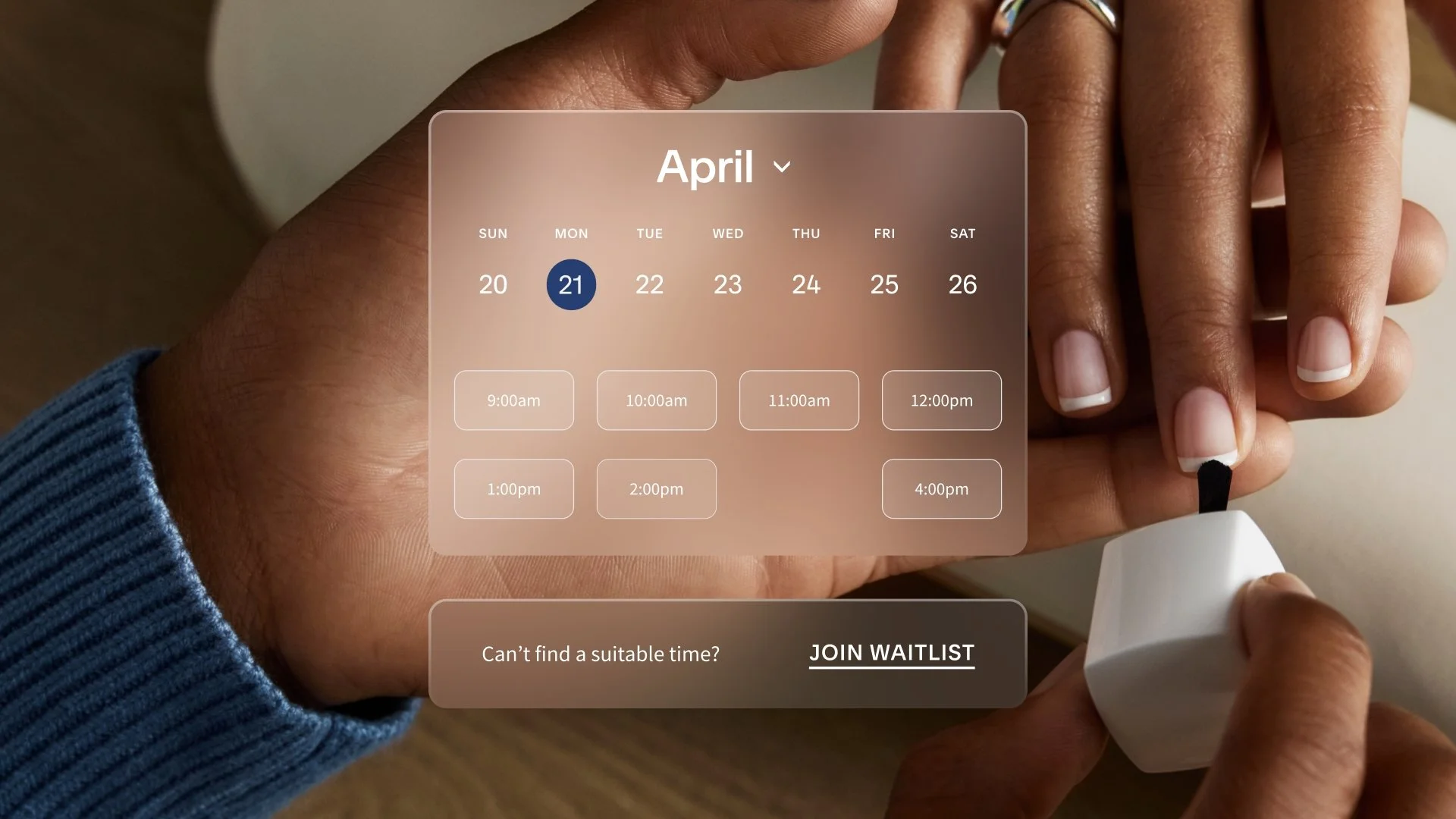
Clients join your waitlist from your booking page and receive a text alert when a matching appointment becomes available.
You control how close to an appointment you'll accept a waitlist booking, so the process works on your terms.
The Acuity waitlist is available on Standard and Premium plans for one-on-one appointments, with SMS enabled.
Your calendar looks full, then a cancellation comes in and leaves a gap in the middle of your day. You can post about the opening, text a few clients, or hope someone checks your booking page at the right moment, but none of that is a good use of your time.
Appointment waitlist software helps you fill those last-minute openings without the back-and-forth. With the Acuity Scheduling waitlist feature, clients have a simple way to join a waitlist and get a text when a spot opens up.
The Acuity waitlist automatically alerts interested clients when an appointment becomes available, so they can book it themselves. You stay focused on your work, your clients get a better booking experience, and open slots have a better chance of turning back into paid time.
What is the Acuity waitlist?
The Acuity waitlist is waitlist software built into Acuity Scheduling. It helps you fill canceled or newly opened appointment times by notifying clients who want that slot.

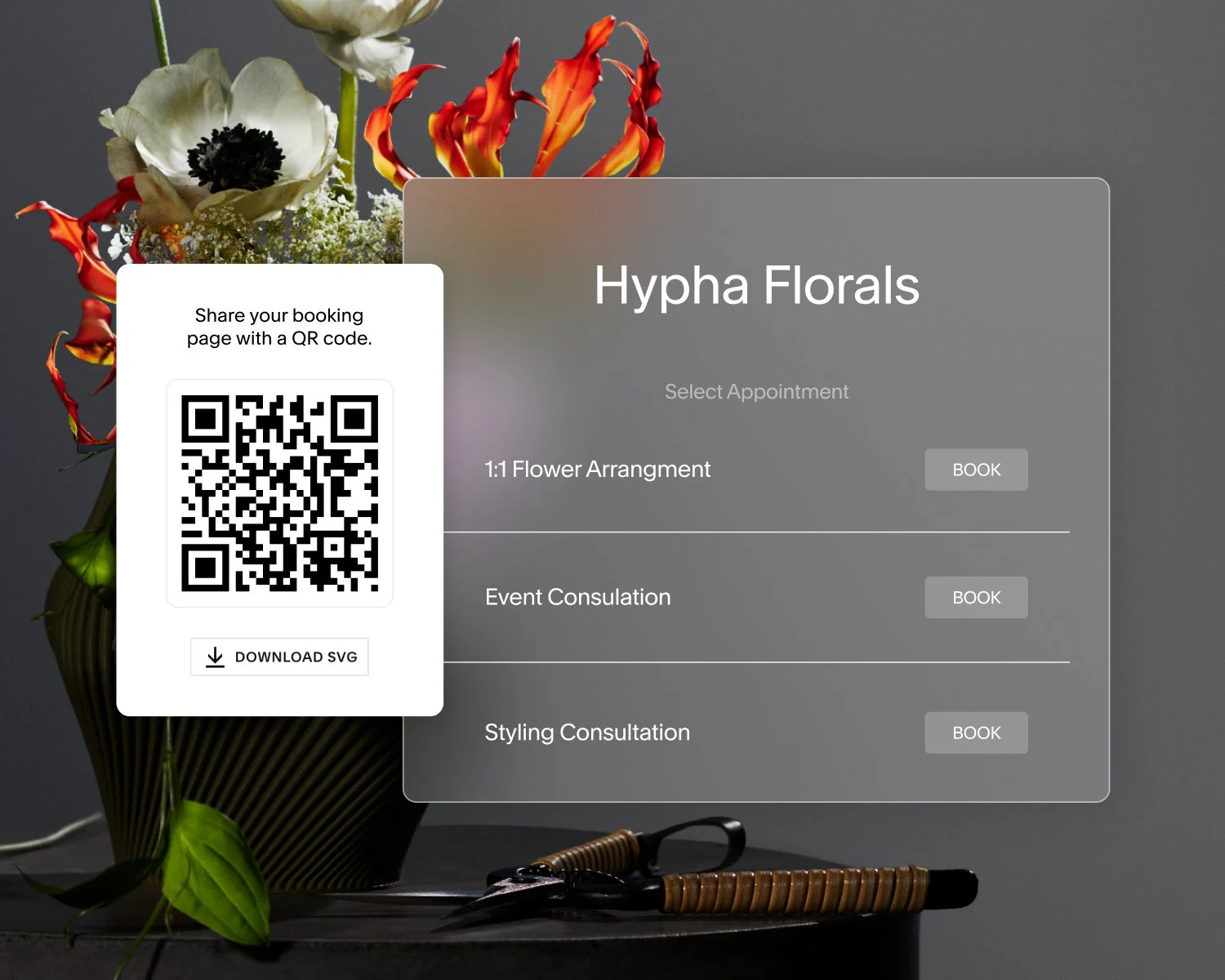
Instead of manually reaching out when availability changes, your waitlist handles it for you. Clients join from your booking page, choose the times they want, and agree to receive text alerts. When a matching appointment opens up, they get a text and can book it right away.
The Acuity waitlist is currently available for one-on-one appointments on Standard and Premium plans, with SMS enabled.
Why a client waitlist is worth it
Unused time affects your whole day and your bottom line. For many businesses, an open appointment window means:
Lost revenue from time you can't get back
Extra admin work to contact clients manually
A rushed attempt to promote the opening through email, text, or social media
A weaker client experience when booking feels hard to catch
Even with a cancellation policy or deposit in place, late changes still happen. When they do, waitlist software turns those last-minute openings into real bookings, without asking you to stop what you're doing and manage it by hand.
How the Acuity waitlist helps your business
You started your business to provide a service, not to spend part of every day managing schedule changes. The Acuity waitlist fills empty slots faster and handles the coordination for you, so your time stays where it belongs.
It fills open slots automatically
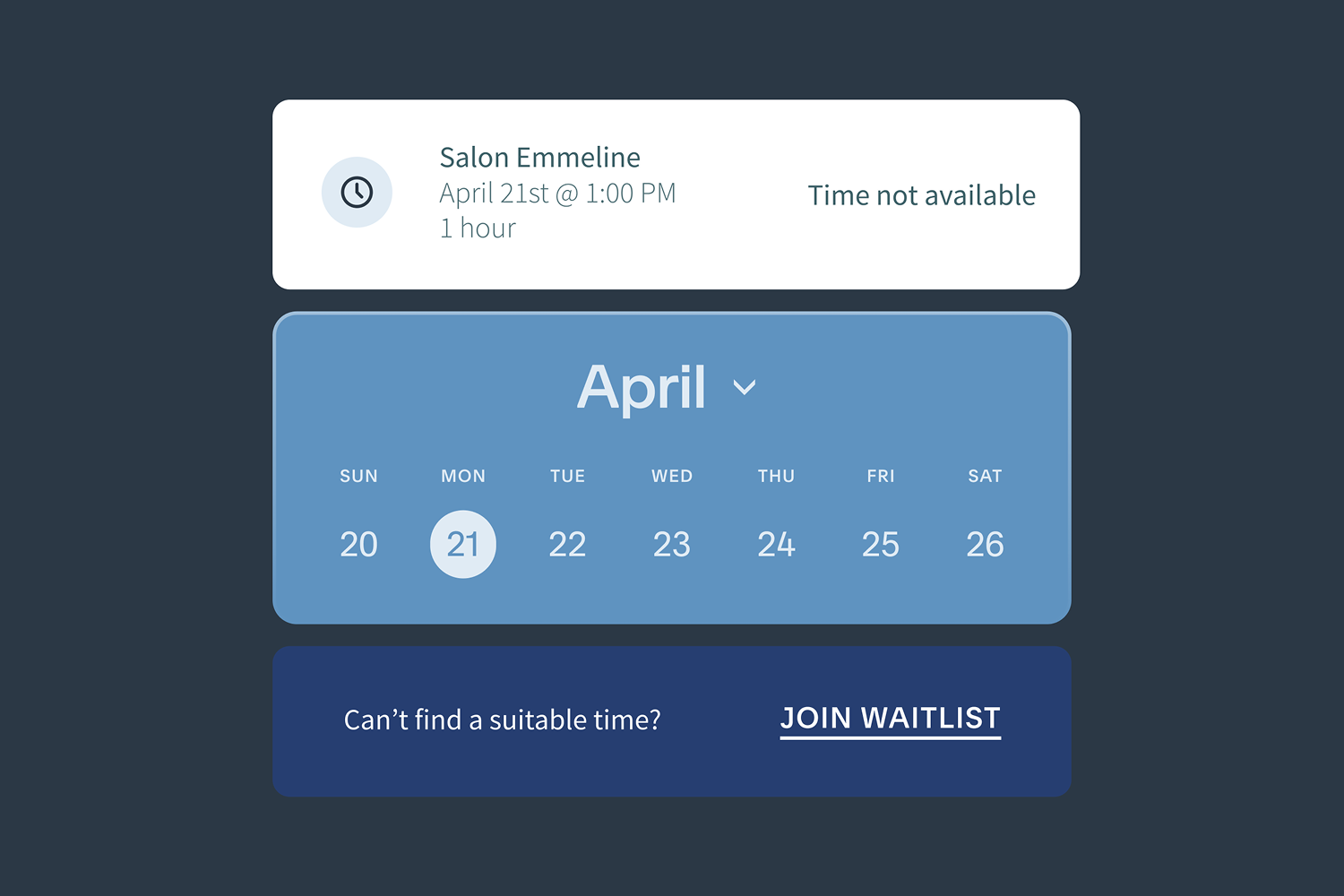
When an appointment opens up, clients on the waitlist get a text notification automatically. They can book the spot themselves, and the first client to book gets it.
You don't need to send individual messages or monitor your calendar and reach out the moment something changes. The process starts on its own as soon as a qualifying spot opens.
It protects revenue from last-minute cancellations
Last-minute cancellations can leave money on the table, even if your week looked full the day before. A client waitlist gives open times another chance to become booked appointments.
The difference is noticeable for businesses like:
A hairstylist with evening appointments that book weeks ahead
A massage therapist with a prime weekend spot that suddenly opens
A tutor with a regular after-school session canceled at short notice
A fitness coach with limited one-on-one availability
When clients are already waiting for those times, filling the slot is a matter of one text.
It reduces the time you spend on manual outreach
Without a waitlist, filling a canceled slot often means sending texts, replying to emails, or posting an opening and hoping someone sees it in time. That work pulls your attention away from the people right in front of you.
The Acuity waitlist handles notifications for you. You can spend less time coordinating and more time doing the work that brings in revenue.
It gives you control over how the process runs
Automation works best when you still set the rules. With the Acuity waitlist, you decide how close to an appointment you'll accept waitlist bookings.
Every business runs differently. You may want lead time before a new client comes in, or you may be comfortable filling a same-day opening if someone is ready to book. You set the cutoff that fits your schedule, and your waitlist works within those limits.

What clients get when they join your waitlist
Your clients' booking experience shapes how they feel about your business. When someone wants an appointment and your calendar is full, they usually have two options: keep checking back or give up and book elsewhere. Neither option feels good, and neither works in your favor.
A waitlist gives them a better path.
They get a clear, low-effort way to stay in line
Joining the waitlist from your booking page takes seconds. Clients choose a specific time or a flexible window, and they're in. For clients who want a hard-to-get slot—a popular evening, a weekend opening, or a time that rarely frees up—that's a much better experience than being turned away with no option to follow up.
They stay connected to your business instead of moving on
Once clients are on the waitlist, they don't have to do anything else. No refreshing your booking page, follow-up messages, or wondering if a spot opened. A text arrives when the timing is right. That kind of experience builds confidence in your business and keeps clients engaged rather than pushing them to search elsewhere.
They get fair access to your most in-demand times
High-demand slots are competitive. Your waitlist gives interested clients a real shot at those times without requiring them to monitor your calendar or catch an opening by luck. For clients who are committed to working with you specifically, that accessibility reinforces the relationship.
How the Acuity waitlist works
The Acuity waitlist is designed to be straightforward for both businesses and clients.
On the client side
Clients use the waitlist in a few simple steps:
Visit your booking page.
Choose the appointment they want.
Join the waitlist for a specific time or a broader time window.
Agree to receive text alerts.
Get an email confirmation that they're on the waitlist.
Receive a text if a matching spot opens.
Book the appointment if the time still works for them.
The first client to complete the booking gets the spot.
On the business side
Turn on the waitlist in your settings and manage it from your Acuity Scheduling account. Once it's enabled, you can:
Choose how close to an appointment a waitlist booking can happen.
Get notifications when clients join the waitlist.
View current, expired, and booked waitlist requests.
Manually add a client to the waitlist if they contact you directly.
You stay informed without adding complexity to your day.
Built for real scheduling challenges
Waitlists work well for businesses that deal with high-demand appointment times, frequent rescheduling, or full calendars that still end up with occasional gaps.
You'll find the feature especially useful if you:
Book out popular evening or weekend appointments
Offer one-on-one services with limited availability
Spend too much time managing cancellations manually
Want to give clients a better way to book without extra messages
Need a more reliable way to make up revenue from schedule changes
For solo businesses and small teams, removing that manual step takes real pressure off your day. You don't have to chase every opening to make it count.
How Acuity Scheduling compares to other waitlist tools
Not all scheduling platforms handle waitlists the same way.
Some don't offer an appointment waitlist experience at all. If a spot opens, there isn't a built-in way to let interested clients join a queue and get notified automatically.
Others might offer a way to manage openings, but it requires businesses to manually alert clients when appointments become available. That still leaves you doing the outreach yourself, which means more admin work and more chances for an open slot to go unfilled.
Acuity takes a hands-off approach with automated waitlist management. Clients join from your booking page, text notifications go out automatically when a spot opens, and clients book the appointment themselves. You stay informed, but you don't have to run the process manually.
Your next client is already waiting
The right waitlist app can help you fill empty slots, save time, and reduce lost revenue. Acuity Scheduling brings that process into the same place you already manage your appointments, so it's easier to put into practice.
If your business is tired of handling cancellations with manual texts, scattered follow-ups, or last-minute posts, this is a better way forward. Open your client waitlist* with Acuity today.
*The waitlist is currently available on Standard and Premium plans for one-on-one appointments. SMS must be enabled to send automatic text notifications to waitlisted clients.








Preguntas frecuentes
What is an appointment waitlist?
An appointment waitlist collects sign-ups from clients who want an appointment at a specific time slot or during a window of time, then notifies them automatically when that time becomes available. When a cancellation happens, interested clients are alerted and can book the opening without any manual outreach from the business.
Does Acuity Scheduling have a waitlist feature?
Yes. The Acuity Scheduling waitlist feature automatically notifies clients by text when a preferred appointment time becomes available. Clients join from your booking page, choose the times they want, and receive a text alert the moment a matching slot opens. The feature is available on Standard and Premium plans with SMS enabled, and currently supports one-on-one appointments.
Is the Acuity waitlist available for classes?
Not yet. The Acuity waitlist is currently available for one-on-one appointments only. Class-based waitlist functionality is not available at this time.
What plan do you need to use the waitlist feature?
The waitlist is available on Standard and Premium plans. SMS must be available and enabled to send automatic text notifications to waitlisted clients.
How do you create a client waitlist?
With Acuity Scheduling, setting up a client waitlist takes just a few steps. Enable the waitlist in your account settings, choose how close to an appointment you'll accept a waitlist booking, and it's ready to go. From there, clients can add themselves directly from your booking page, or you can add them manually if they call or message you directly. When a slot opens, they're notified by text automatically.
Can you add clients to the waitlist yourself?
Yes. In addition to clients adding themselves from your booking page, you can manually add clients from your calendar page. This is useful when a client calls in rather than scheduling online.
Can you control when waitlist clients can book?
Yes. When you enable the waitlist, you choose how close to an appointment you'll accept a waitlist booking. This setting is separate from your global scheduling limits, so you can apply different rules to first-time bookings and last-minute waitlist fills.
How is the Acuity waitlist different from a manual client waitlist?
A manual waitlist requires you to contact clients yourself when a spot opens. The Acuity waitlist sends text notifications automatically the moment a matching spot opens, so the rebooking process runs whether you're with a client, away from your phone, or finished for the day.
What happens if two clients are waiting for the same time slot?
The spot goes to the first client who completes the booking after receiving the text alert. All eligible waitlisted clients for that time are notified, and whichever client books first secures the appointment.
Is there a waitlist app for salons?
Yes. Acuity Scheduling includes a built-in salon waitlist app for beauty businesses. When a client cancels or a slot opens up, clients who requested that time are notified by text automatically and can book it themselves. For salons where evening and weekend appointments book out fast, that means fewer gaps in the schedule and less time spent on the phone managing cancellations. The Acuity waitlist is available on Standard and Premium plans with SMS enabled.
Do I need a waitlist app for my service business?
If your most popular appointment times regularly book out, a waitlist is worth having. Without one, a last-minute cancellation means starting from scratch. A waitlist app for business handles that automatically, notifying interested clients the moment a slot opens so they can book it themselves. For solo providers and small teams where every appointment represents real revenue, that kind of automation removes a significant amount of manual work from your day.